 ZLINE
ZLINERobotic Integration
EtherCAT Integration for Powered Surgical Tools
Driving a surgical drill or bone saw from a robotic master means the tool has to behave like a servo axis: deterministic command response, continuous status, and a fault path the master can act on. Zlinemed builds that layer into its power tool platforms rather than adding it afterwards.
The Tool Has to Behave Like an Axis
A powered surgical tool used by hand only has to answer to a trigger. The same tool under a robotic master has to answer to a control loop: accept a setpoint, hold it, report what it is actually doing, and surrender control cleanly when something goes wrong. That is a different engineering problem, and it lives in the drive electronics and firmware rather than in the handpiece.
Zlinemed’s power tool platforms are built with that requirement in place from the start. The ZL-RobotSaw supports EtherCAT communication compatible with KUKA masters and sustains 15,000 CPM oscillation. The ZL-HSDRILL controller provides a dual-channel synchronous architecture intended for robot-assisted platforms, with sensorless motor control and low-ripple output at up to 120,000 RPM.
Interfaces
The control platform provides EtherCAT, CAN, and RS-485. Command response is at millisecond level. Where a master needs a protocol outside that set, adding it is a software design engagement rather than a catalogue option.
Which one you use is usually decided by the master, not by the tool. An EtherCAT master gets a slave device it can treat as an axis in its existing cycle. A platform built on CAN or RS-485 gets the same control behaviour over its own bus. Neither case requires a translation box between the master and the tool.
What Gets Reported Back
Integration work tends to fail on fault handling rather than on nominal operation, so protection states are surfaced rather than hidden:
- Undervoltage, overcurrent, stall, and overtemperature are detected in the controller and reported in real time, so the master can stop the manoeuvre rather than discovering a stalled tool from position error.
- Isolated power architecture separates the drive stage from the logic and communication side.
- EMC/ESD-optimized layouts keep the fieldbus link usable in an environment full of other powered equipment.
Scoping an Integration
What we need in order to answer usefully: which master you are integrating with and over which interface, the cutting or drilling duty the tool has to sustain, whether you are starting from one of our platforms or from a tool you already use, and what the master expects to do when the tool reports a fault.
Because industrial, mechanical, circuit, and embedded software design are all in house, the answer can cover the whole path from the bus to the cutting tip rather than one layer of it.
Frequently Asked Questions
Which robotic masters can these tools connect to?
The ZL-RobotSaw supports EtherCAT communication compatible with KUKA masters. Where the host platform does not use EtherCAT, the control platforms also provide CAN and RS-485 interfaces, so the integration path depends on what the master already speaks rather than on changing the tool.
What does the master see when the tool is running?
Command response is at millisecond level, with continuous status reporting. Undervoltage, overcurrent, stall, and overtemperature conditions are reported in real time rather than being handled silently inside the handpiece, so the master can decide how to react.
Can you add a fieldbus interface to a handpiece we already use?
Our engineering team covers mechanics, circuit design, and embedded software in house, so a retrofit can extend to the control board and firmware rather than only the connector. Send the existing tool's specifications and we will review the scope.
Is the drill controller usable in a robot-assisted setup?
Yes. The ZL-HSDRILL controller offers a dual-channel synchronous architecture intended for robot-assisted platforms, with sensorless motor control and low-ripple output, and it pairs with mainstream high-speed motors including Maxon and Portescap.
Applications
Scope your robotic tool integration
Tell us which master you are integrating with, the interface you need, and the cutting or drilling duty the tool has to sustain. Our engineering team will review the application and describe how the platform maps onto it.
Talk to an EngineerRelated Products & Services
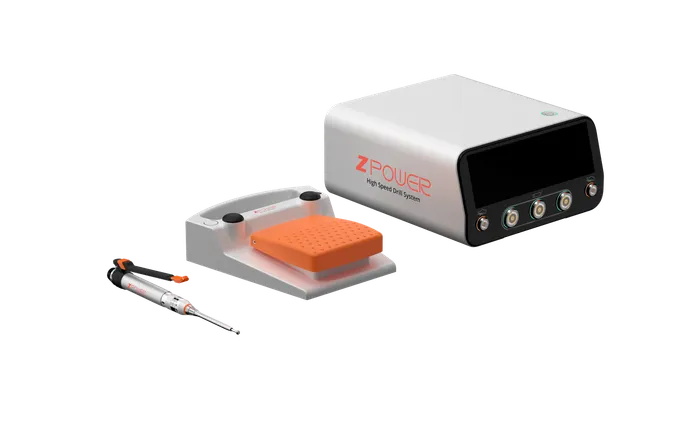
Powered Surgical Tools
Drill and bone saw platforms with the motor control systems that drive them, from handpiece to host interface.
Explore service →
Robotic Oscillating Saw ZL-RobotSaw
Robot-mounted oscillating saw with EtherCAT connectivity, IP68 sealing, and a design for high-temperature steam sterilization.
View product →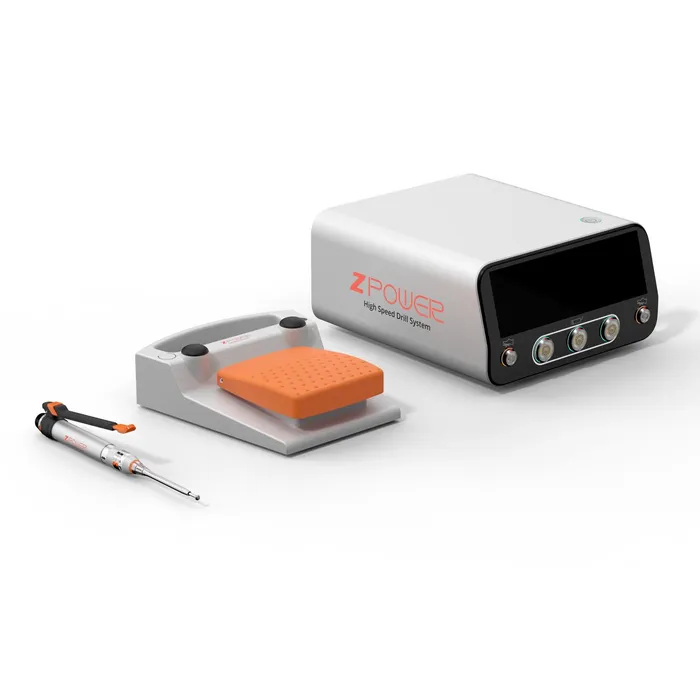
High-Speed Drill Controller ZL-HSDRILL
Dual-channel drill control platform, 2,000 to 120,000 RPM, with RS-485 and EtherCAT host interfaces.
View product →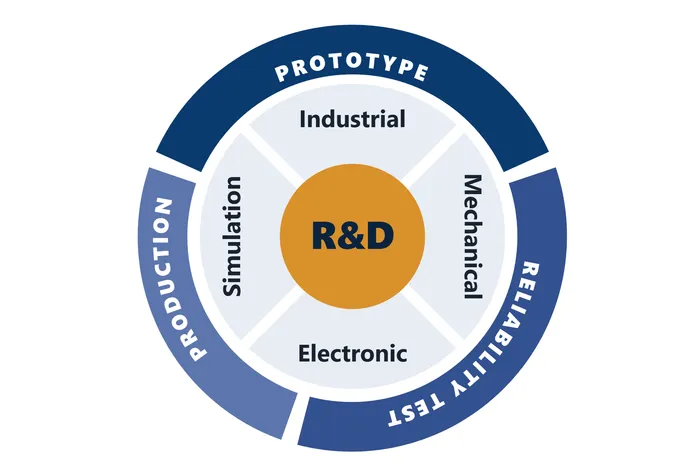
Medical Device Development and Engineering Services
One team covering design, mechanics, electronics, and firmware, from concept through pilot production.
Explore service →